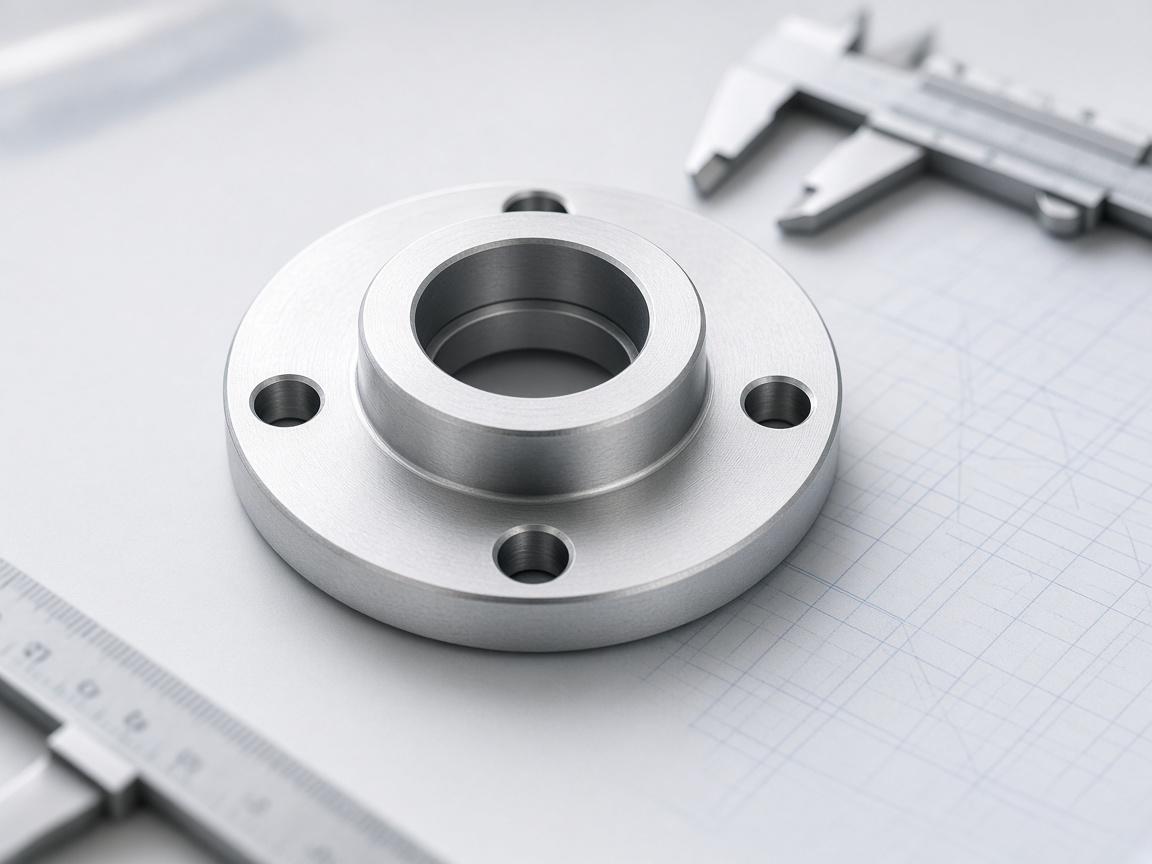
Parametric Modelling
Describe the part and the agent writes the CadQuery or FreeCAD script, runs it, and returns a solid whose dimensions stay addressable.
3 modelling kernels driven4 solid export formats
View GuidePut an agent on the modelling, recovery and drafting that fills your week — scripted, re-runnable and matched to how your shop actually works.
Industry Solutions
Explore ready-to-launch playbooks with proven workflows, metrics, and integrations for your vertical.
Describe the part and the agent writes the CadQuery or FreeCAD script, runs it, and returns a solid whose dimensions stay addressable.
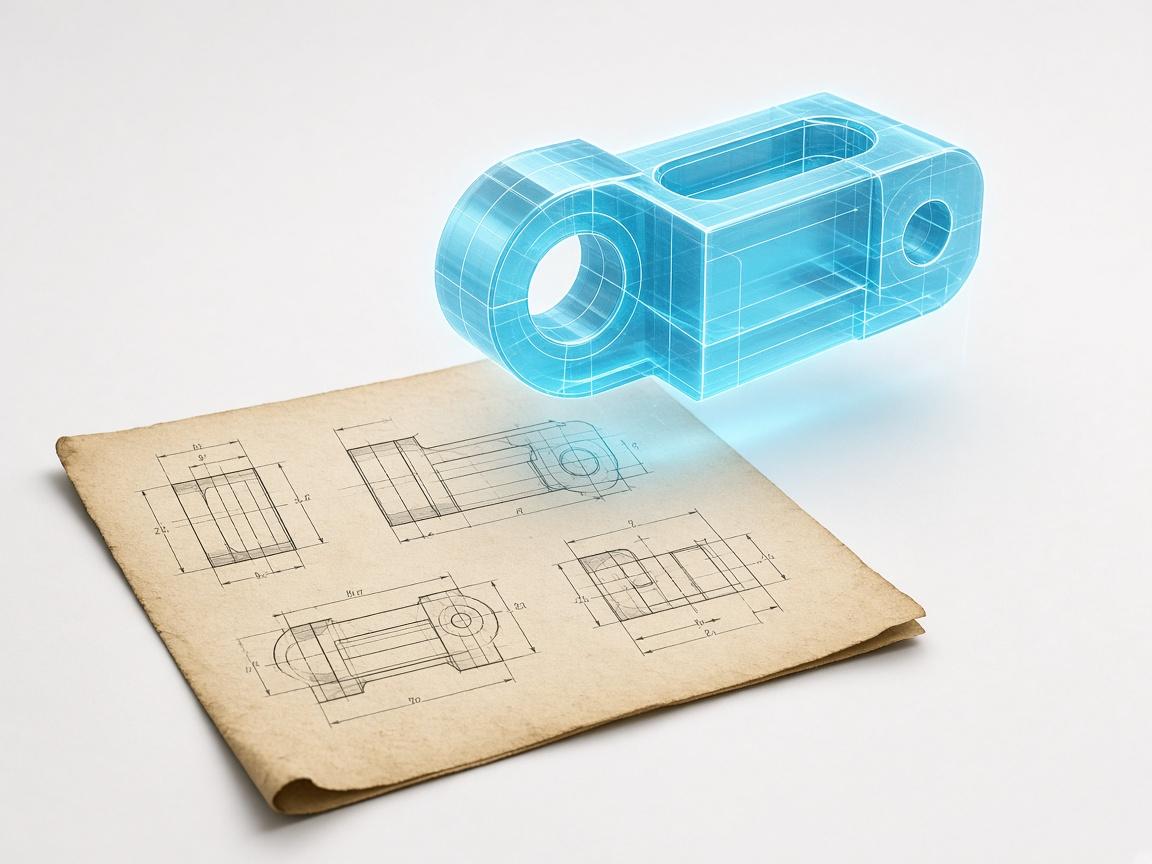
Legacy prints and scans are read as supplied, vectorised to real scale, and rebuilt as a parametric solid you can revise.
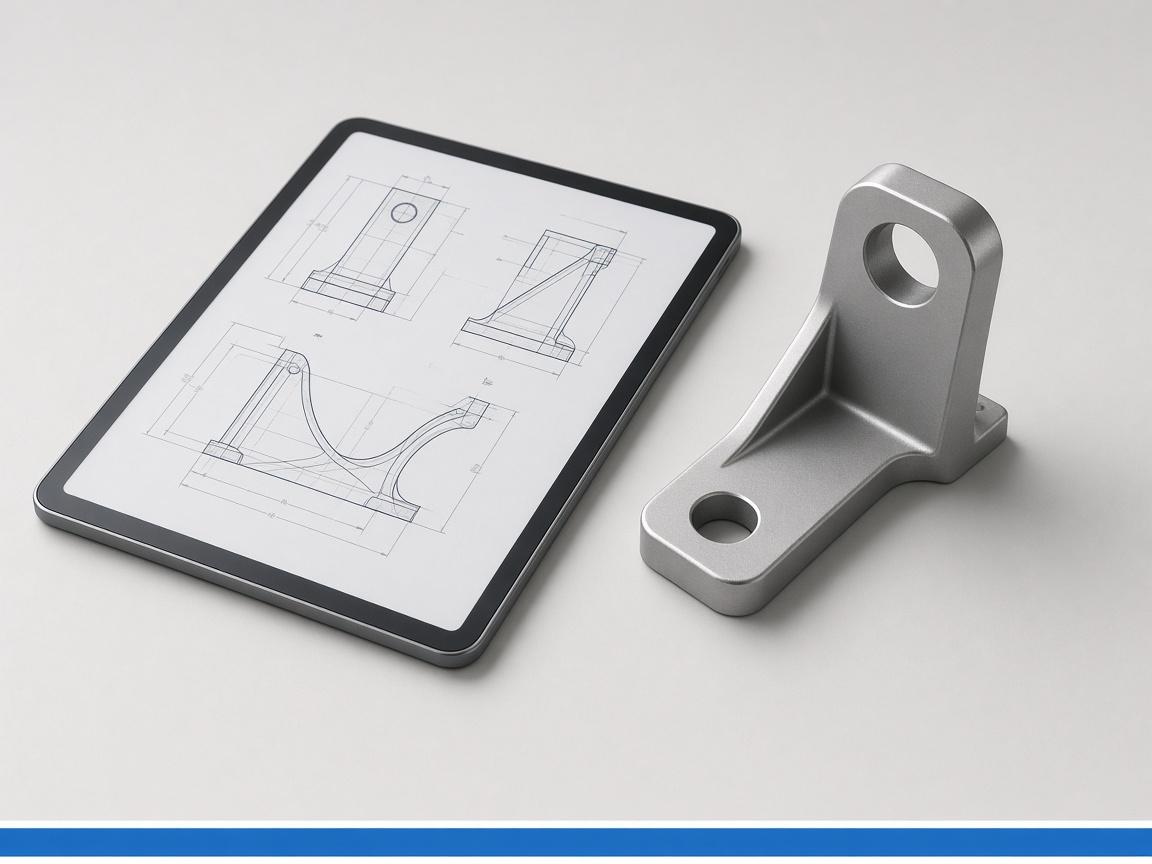
A 2D PDF holds views, not a solid, so there is nothing for a converter to extract. Aikyora reads the views and rebuilds the solid, then exports STEP.
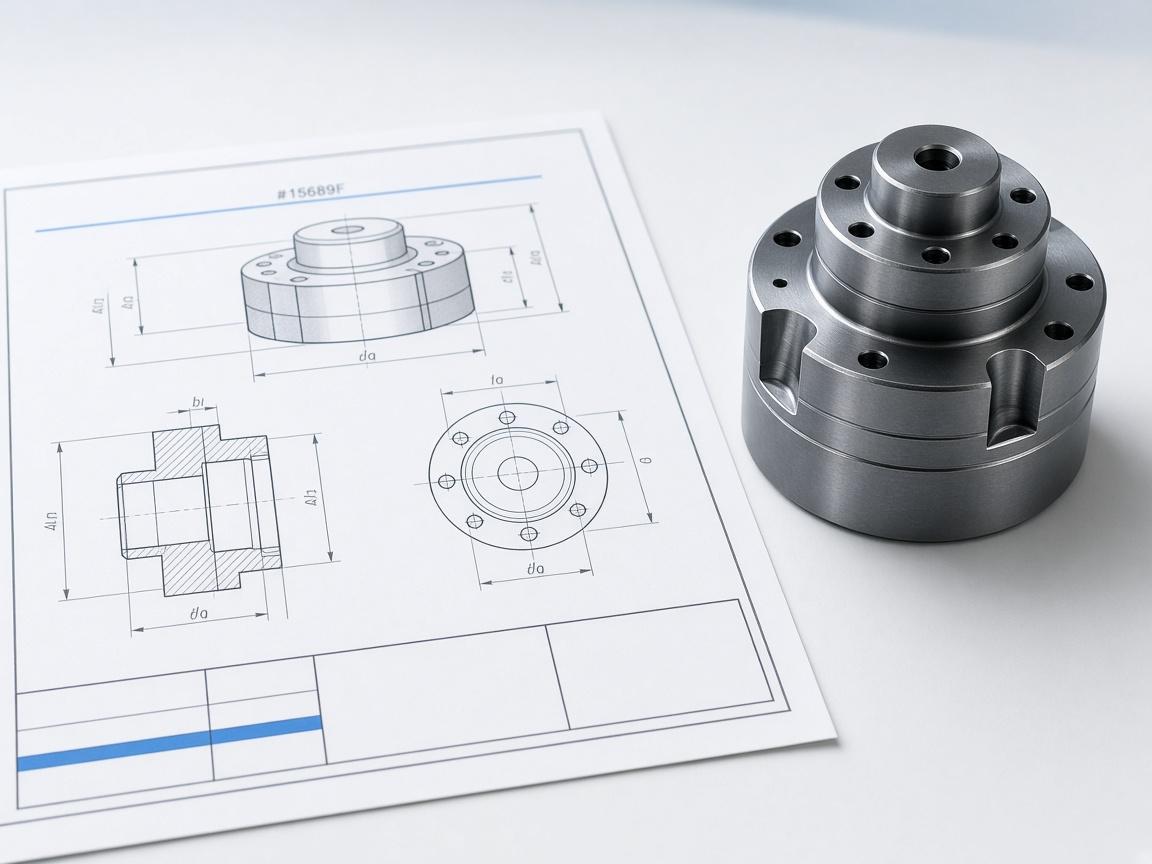
True-scale sheets with views, sections and dimensions, derived from the model instead of read off a screen.
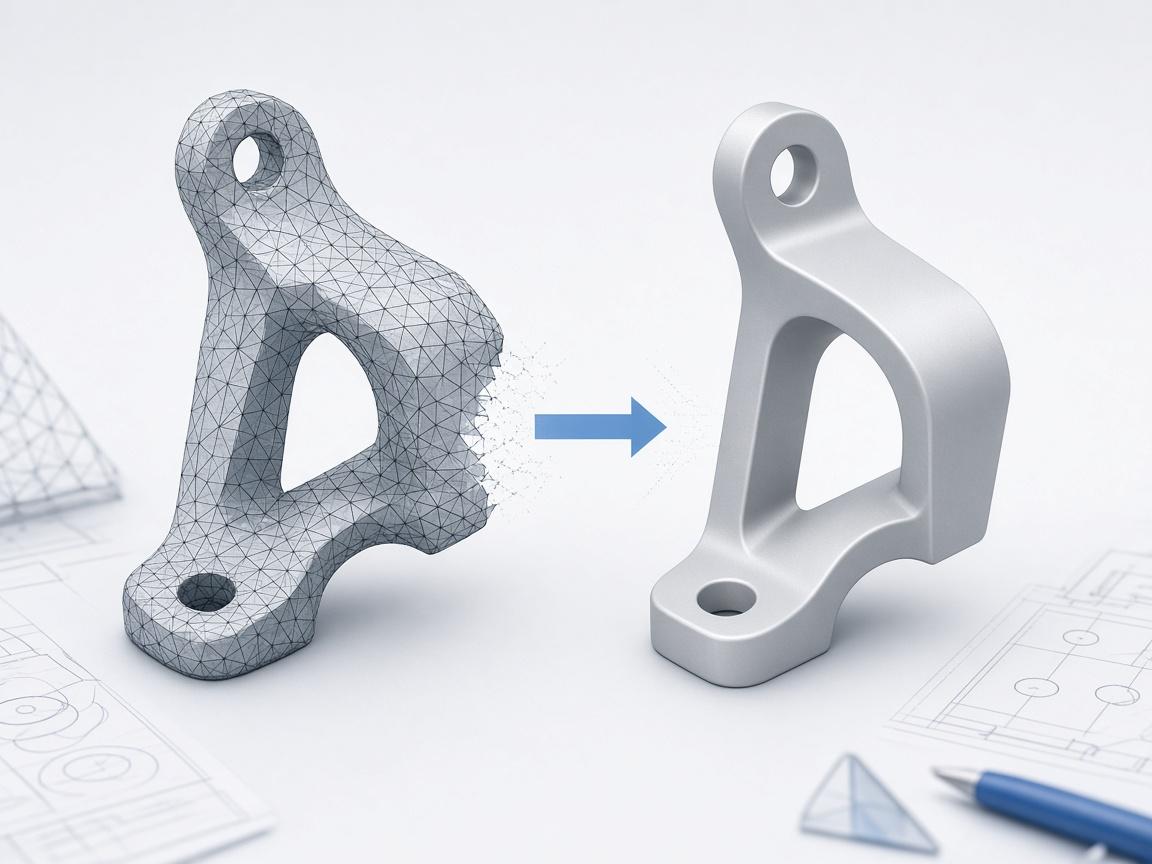
Holes closed, normals fixed, triangles reduced, and solids stripped to a casting-blank envelope a mesher will accept.

Generate GLB meshes to judge a direction, render the shortlist in Blender, then rebuild the winner parametrically.
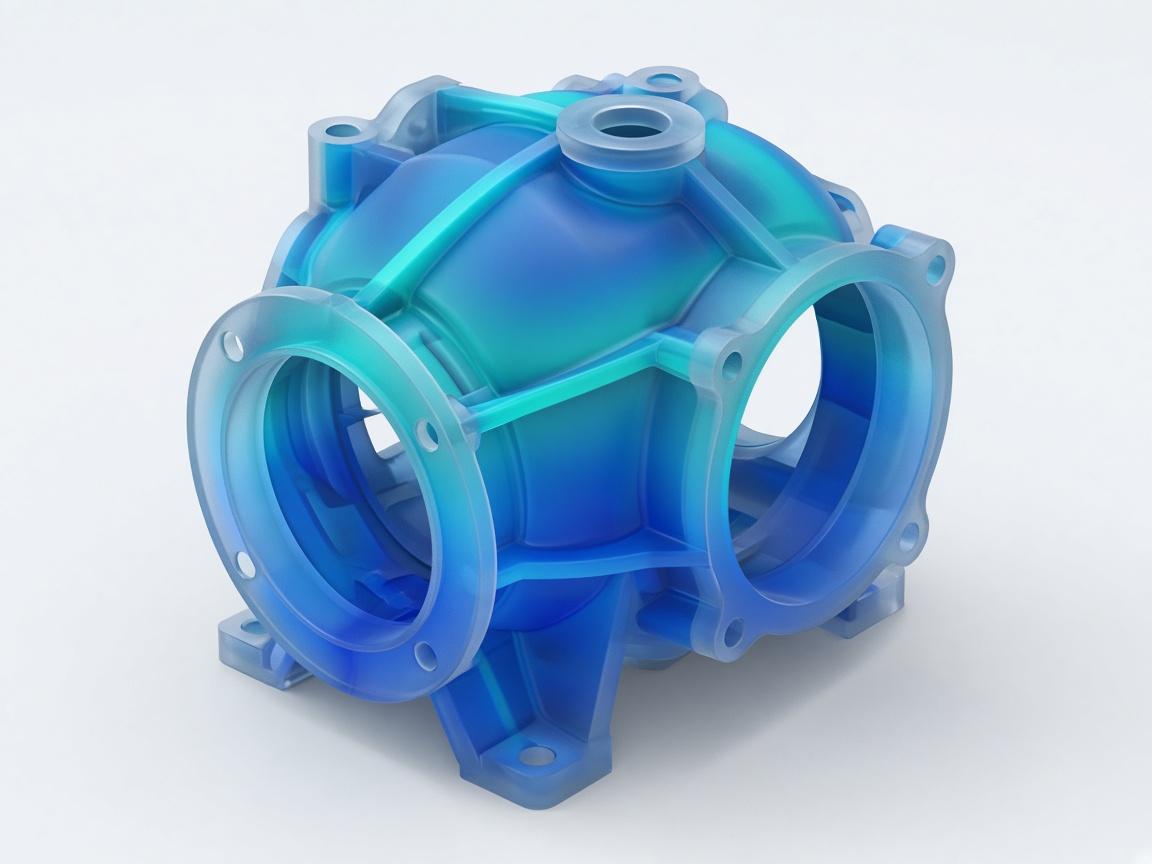
Solve-ready geometry out, pvpython post-processing back in, with extracted values instead of screenshots.
How it works
Register the machine that will execute the CAD tools, locally or in the cloud, so the agent has somewhere to run.
Describe the part, the drawing or the cleanup. The agent writes the script and runs it against the right engine.
Change a parameter, re-run from source, and export the solid, mesh or true-scale drawing downstream needs.
The difference
The engines it drives
 CadQuery
 FreeCAD
 Rhino
Rhino Blender
 PyMeshLab
 ParaView
Engineering teams use Aikyora to rebuild drawings, run CadQuery and FreeCAD headlessly, and export solids they can revise.