Concept to solid
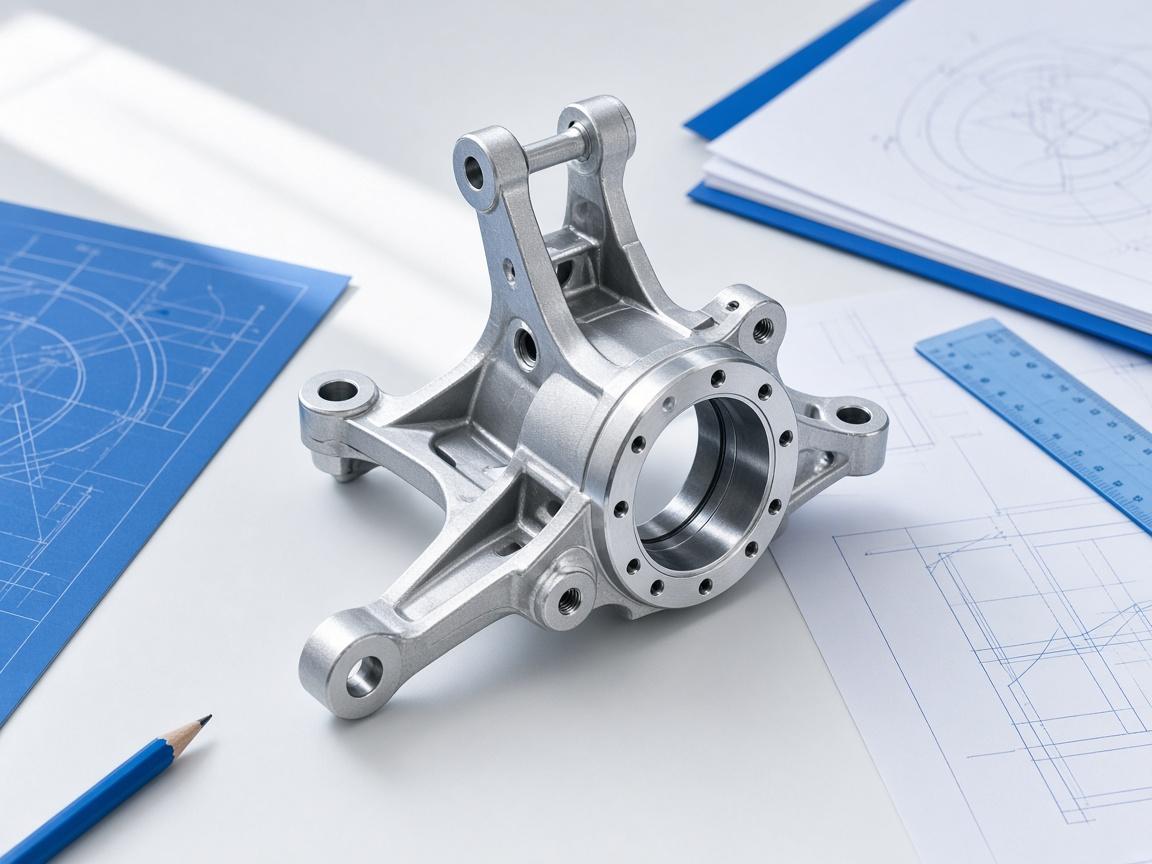
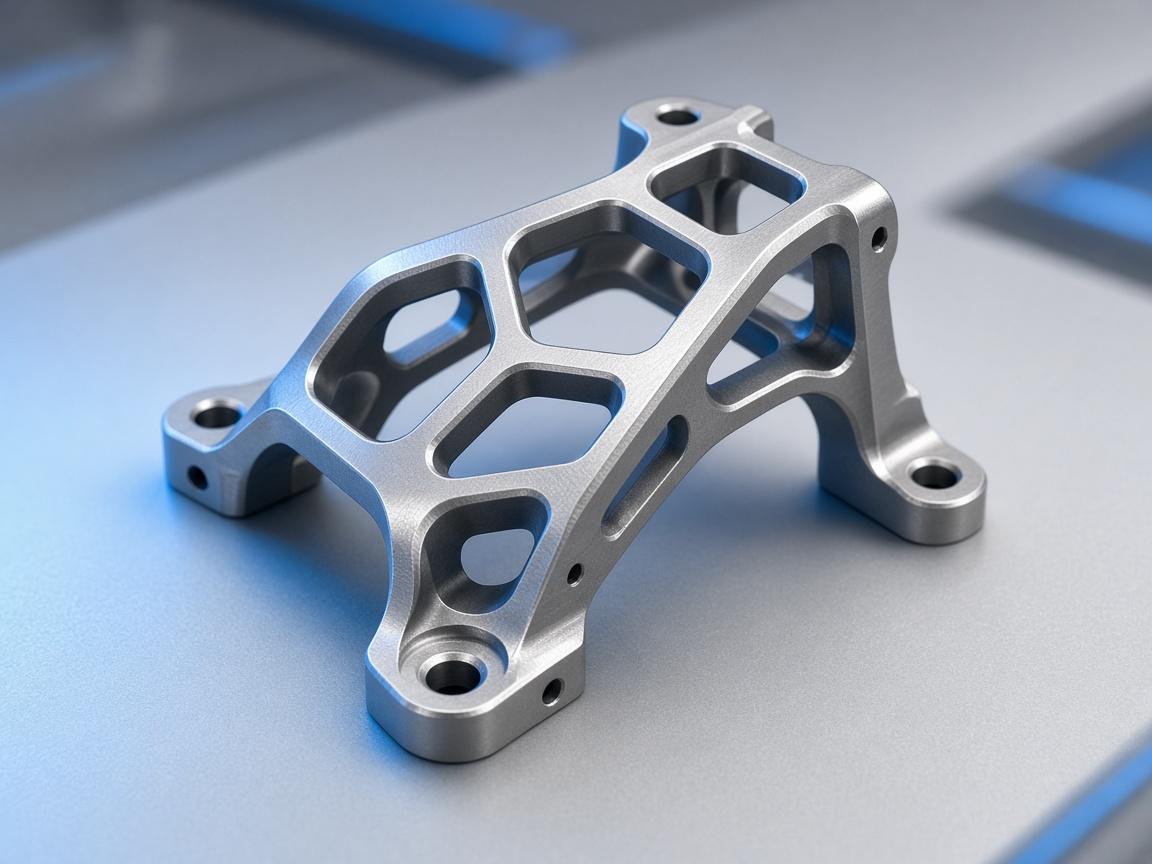
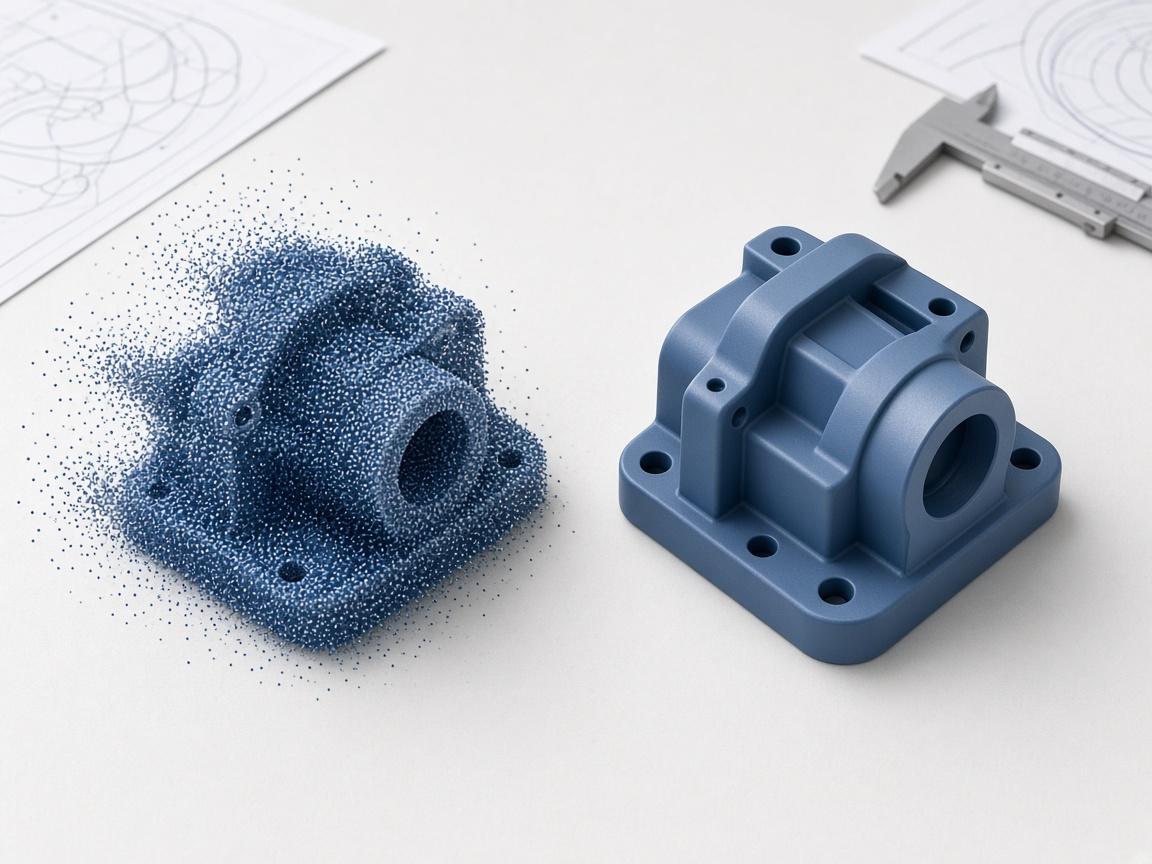
cad_studio turns the stated intent into a parametric solid and keeps the parameters addressable.
Ma
Modelling agent
Writes and executes CadQuery / FreeCAD scripts
Turn a spoken requirement into a parametric CadQuery or FreeCAD model, then change a dimension and rebuild — without opening the GUI.
Mechanical Design
Agent-driven modelling
Design consultancies, in-house engineering
Trusted by teams in mechanical design
Core agent skills tuned for mechanical design — from first drawing to export-ready solid, with the agent in the loop.
Parametric solids from a plain-language brief
Dimension changes rebuild the whole model
Export STEP, BREP, IGES or STL on request
cad_studio turns the stated intent into a parametric solid and keeps the parameters addressable.
Mechanical Design matching
@ enquiries / Online enquiry form
Change bore, wall or pitch and the script re-runs — no manual feature edits.
Post-enrolment process
model_to_2d produces a true-scale drawing with sections and dimensions from the solid.
Portals
Create user type| User type | Users | Created by | Access |
|---|---|---|---|
| Customer | 128 | Admin | Limited |
| Reviewer | 34 | Lead engineer | Shared |
| Internal | 56 | Admin | Full |
Practical modelling flows your team can run on day one — from first inquiry to booked next step.
cad_studio turns the stated intent into a parametric solid and keeps the parameters addressable.
Modelling agent
Writes and executes CadQuery / FreeCAD scripts
Change bore, wall or pitch and the script re-runs — no manual feature edits.
Revision agent
Re-runs the model when a parameter moves
model_to_2d produces a true-scale drawing with sections and dimensions from the solid.
Drafting agent
Generates dimensioned 2D sheets from the solid
cad_studio turns the stated intent into a parametric solid and keeps the parameters addressable.
Change bore, wall or pitch and the script re-runs — no manual feature edits.
model_to_2d produces a true-scale drawing with sections and dimensions from the solid.
Teams in mechanical design use Aikyora to ship revisions faster with fewer redraws.
15
agent skills available
6
CAD and CAE engines driven headlessly
$0.25
per credit of work
365 days
validity on purchased credits
Aikyora works with the products you already use. Connect messaging, billing, calendars, and more — so your mechanical design workflows use the same engines as your business.
Same agent — tuned skills and workflows for each industry.
Get started
Start free and put engineers and the agent on the same geometry — from first drawing to export-ready solid.