Produce solve-ready geometry
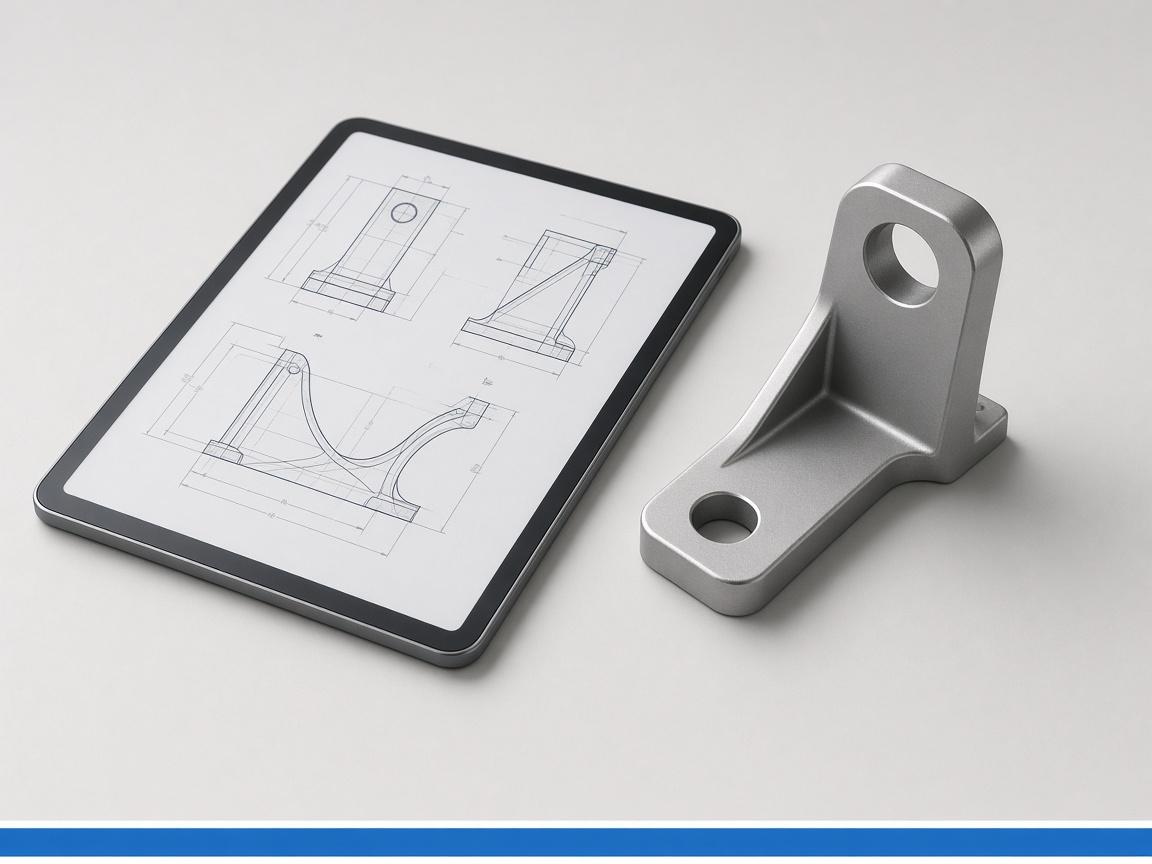
A defeatured body goes out to your mesher.
Strip a solid to something a mesher will accept, then run pvpython against the results and pull out the numbers and images you actually need.
Free plan · 5 credits a month · no card
Modelling agent
Aerospace and Automotive · live run
203
Models
76
Drawings
740
Credits
Drives the post stack with
200
tool calls per day on Free
20,000
tool calls per day on Business
10
cloud runners on Business
200
runners on Enterprise
The challenge
Geometry prep eats more time than the solve itself.
Post-processing means clicking through a GUI nobody can reproduce.
The numbers that matter get read off a screenshot.
defeature produces the simplified body a mesher will take, and paraview runs pvpython so extraction is a script that can be re-run against the next result set.
Get StartedSimplify before meshing
defeature removes the detail that breaks a mesh.
Script the post-processing
pvpython runs headlessly inside ParaView.
Extract values, not screenshots
Peaks, averages and slices come back as numbers.
Re-run against new results
The same script applies to the next solve.
Modelling agent
Aerospace and Automotive · CadQuery runner
Powerful integrations
Prep and post sit on either side of your solver: the agent hands off solve-ready geometry and picks the result files back up, so only the solve itself stays in your existing tooling.
View All IntegrationsParaView
Post-processing
defeature
Solid simplify
PyMeshLab
Mesh repair
FreeCAD
Kernel
Blender
Render
STEP
Solid exchange
Automate tasks & actions
A defeatured body goes out to your mesher.
ParaView executes headlessly on a runner.
The numbers come back in the conversation.
Blender or ParaView output becomes review imagery.
It re-runs unchanged against the next result set.
Two on Starter, ten on Business, two hundred on Enterprise.
Start on the Free plan with 5 credits a month and put it on aerospace and automotive work today.