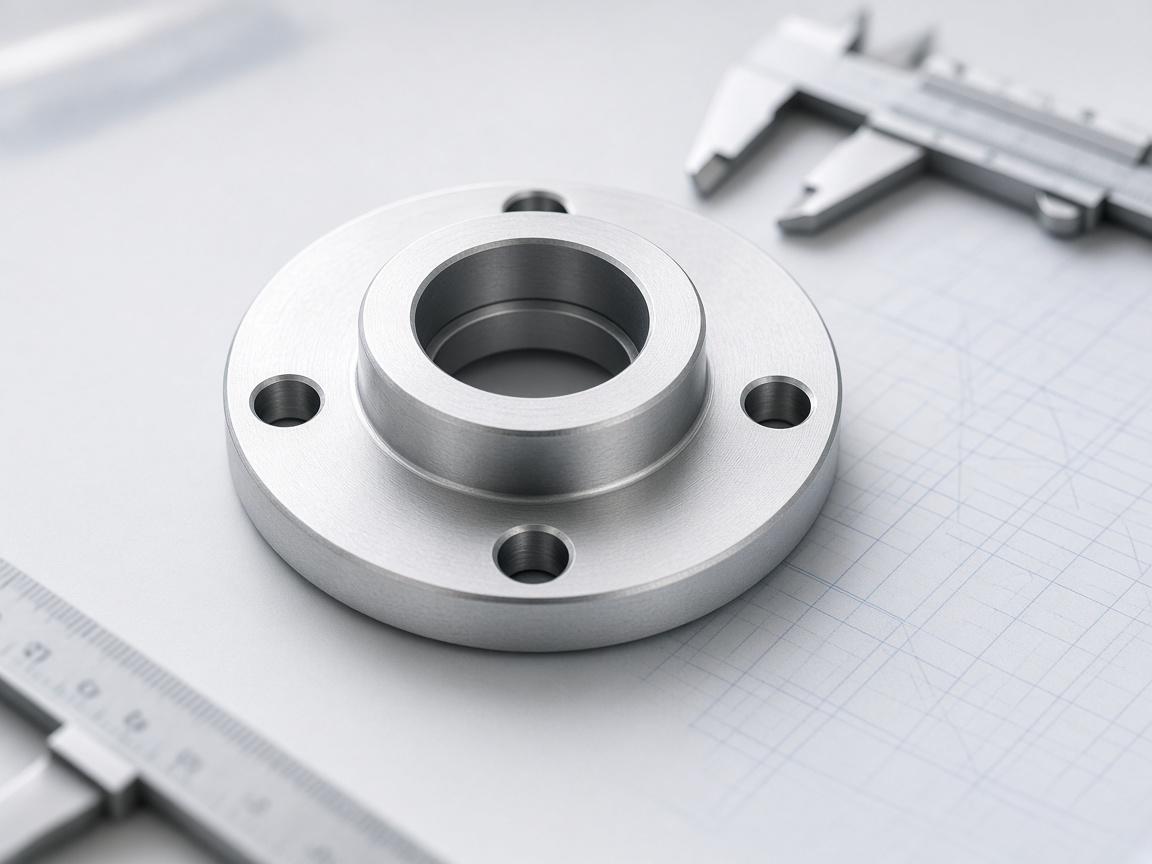
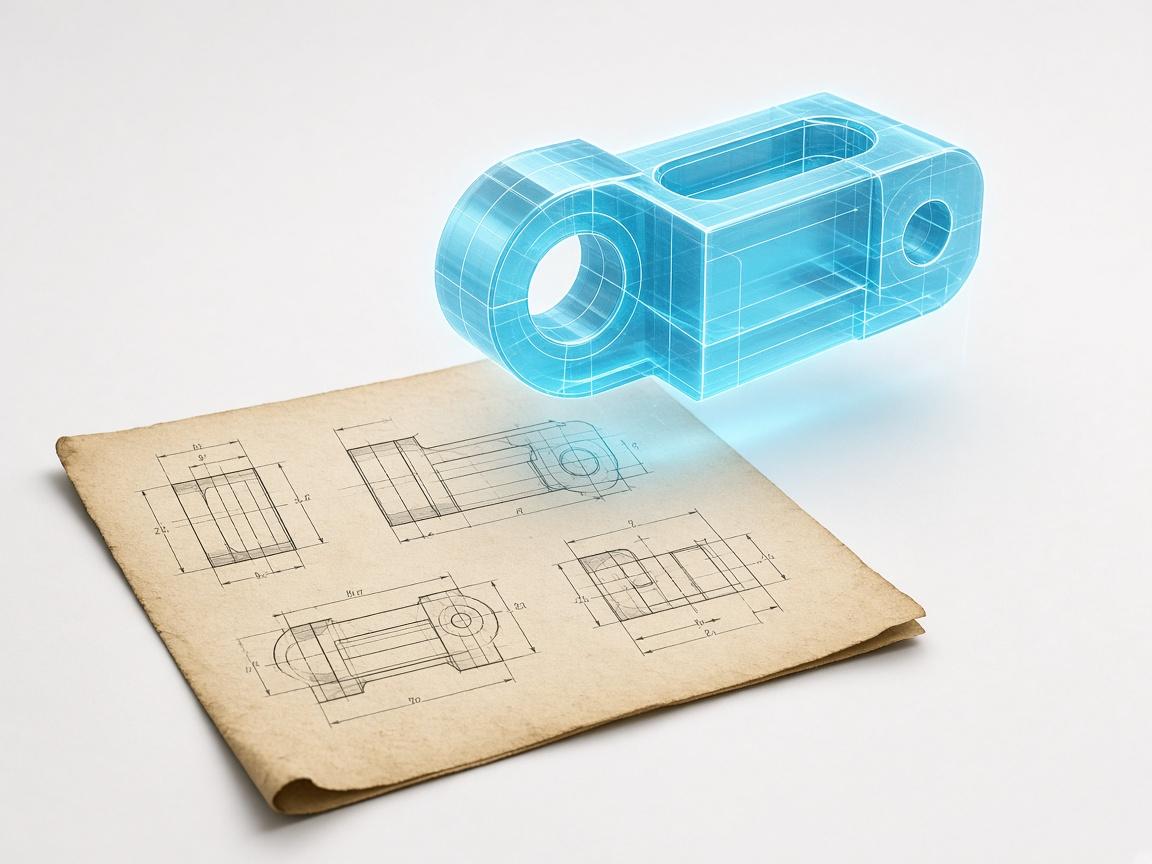
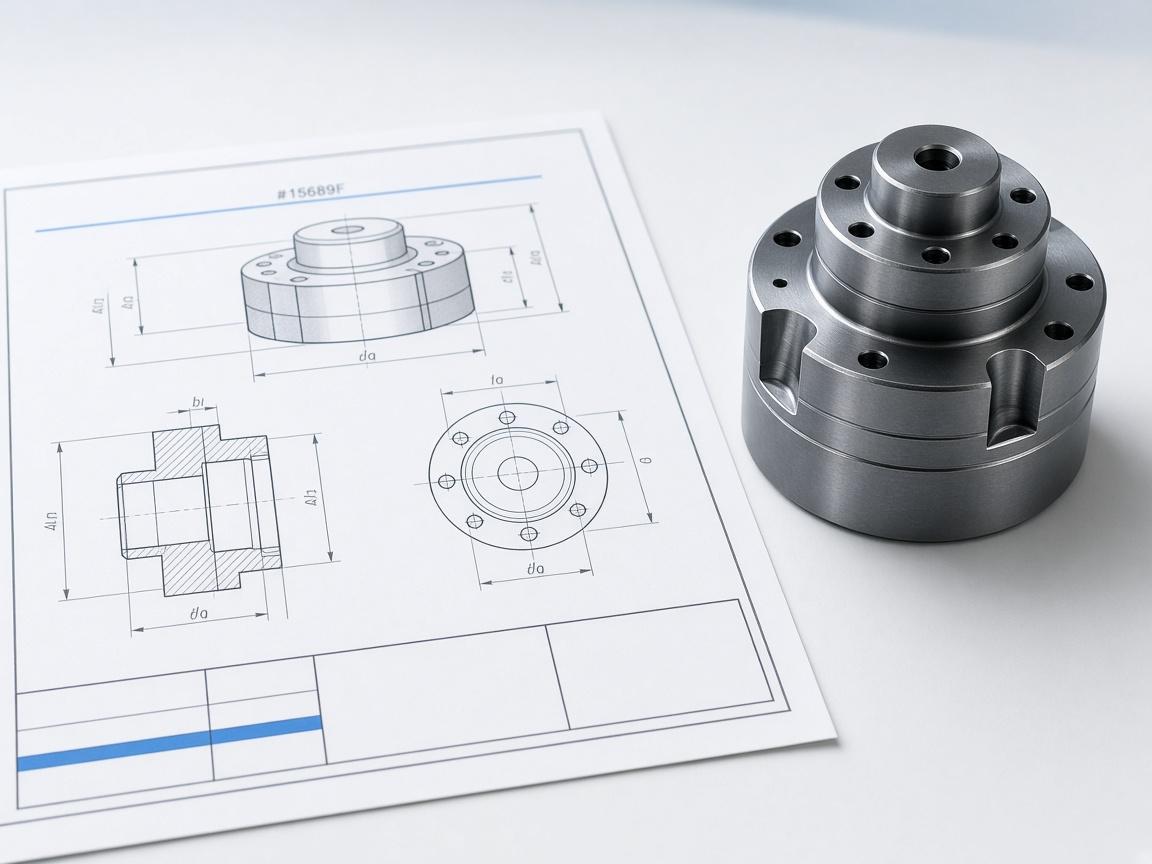
Upload the drawing as it arrived
No resizing or re-encoding — that destroys the dimensional relationship.
A PDF of an engineering drawing holds flat views, not a solid, so there is nothing inside it for a file converter to extract. Aikyora reads the views and rebuilds the solid, then exports STEP.
Free plan · 5 credits a month · no card
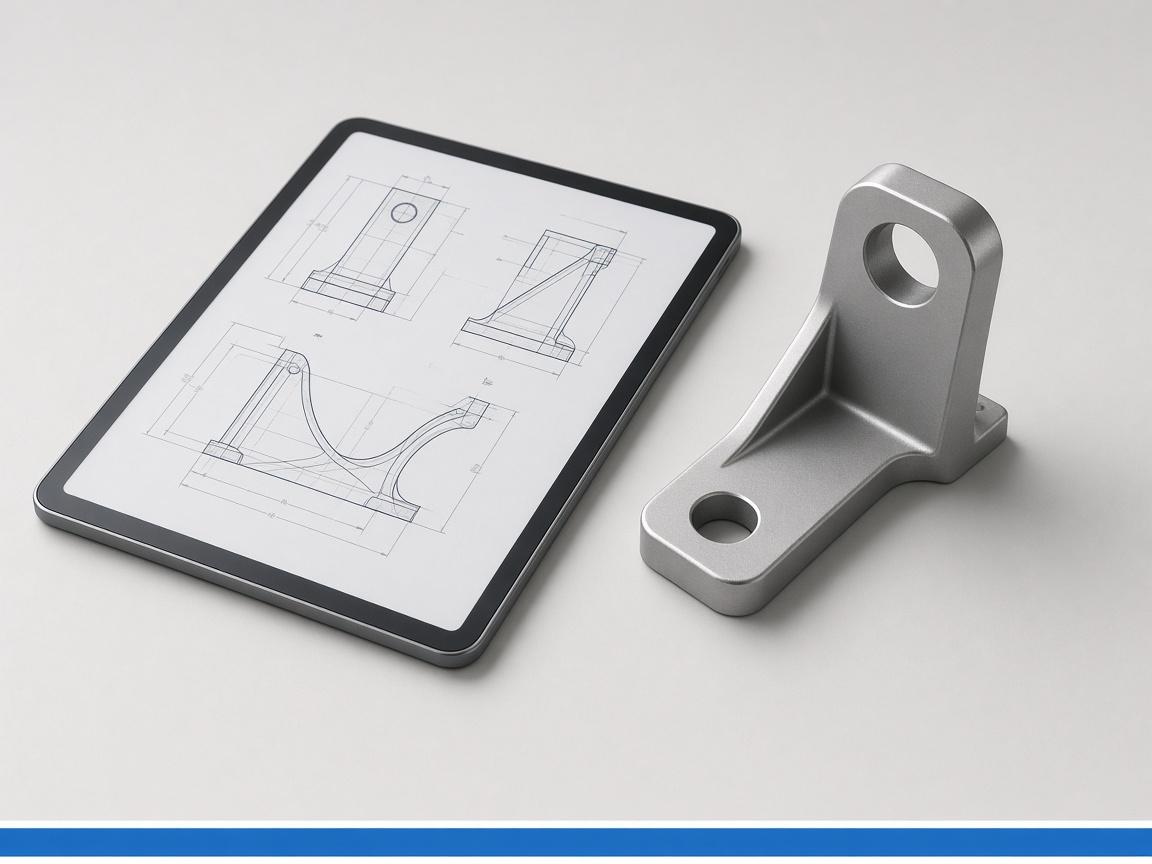
Modelling agent
Mechanical Design · live run
327
Models
188
Drawings
1,040
Credits
Reads drawings as
3
drawing input formats
5
model export formats
6
CAD and CAE engines
Free
plan to start on
The challenge
Tools advertised as PDF-to-STEP only work on 3D PDFs, which already contain a model.
A 2D drawing PDF stores views, lines and dimension text — there is no geometry to export.
Tracing the sheet by hand produces dumb geometry nobody can revise afterwards.
Aikyora treats the sheet as a specification rather than a container. drawing_to_3d reads the views, dimensions and hole positions, cad_studio rebuilds the part as a parametric script, and the solid is exported to STEP. The output is a real B-Rep solid, not a mesh approximation.
Get StartedRead the sheet, not the file wrapper
Views, dimensions and title-block data are parsed from the drawing itself.
Rebuild a real solid
The result is B-Rep geometry from a kernel, not a triangulated mesh.
Keep it editable
Dimensions stay named parameters, so a revision is a value change.
Export what downstream opens
STEP, BREP and IGES for solids; STL and GLB when a mesh is wanted.
Modelling agent
Mechanical Design · CadQuery runner
Powerful integrations
The exported STEP opens in the CAD software you already run. Conversion also feeds the rest of the agent: the rebuilt solid can be defeatured for simulation, meshed for printing, or sent back through model_to_2d as a clean dimensioned sheet.
View All Integrationsdrawing_to_3d
Sheet to solid
vectorize_scan
Scan to vector
cad_studio
Parametric rebuild
CadQuery
Kernel scripting
FreeCAD
Kernel
STEP
Solid exchange
Automate tasks & actions
No resizing or re-encoding — that destroys the dimensional relationship.
vectorize_scan uses it to recover true millimetres from a scan.
The script is kept, so the conversion is auditable and re-runnable.
A B-Rep solid, openable in the CAD package you already use.
model_to_2d generates a true-scale sheet from the recovered solid.
Source drawing, rebuild script and STEP stay together per tenant.
Start on the Free plan with 5 credits a month and put it on mechanical design work today.