Scan vectorisation
vectorize_scan runs once on the scan image, using the scale bar when one is present.
Va
Vectorise agent
Converts scans to scaled vector geometry
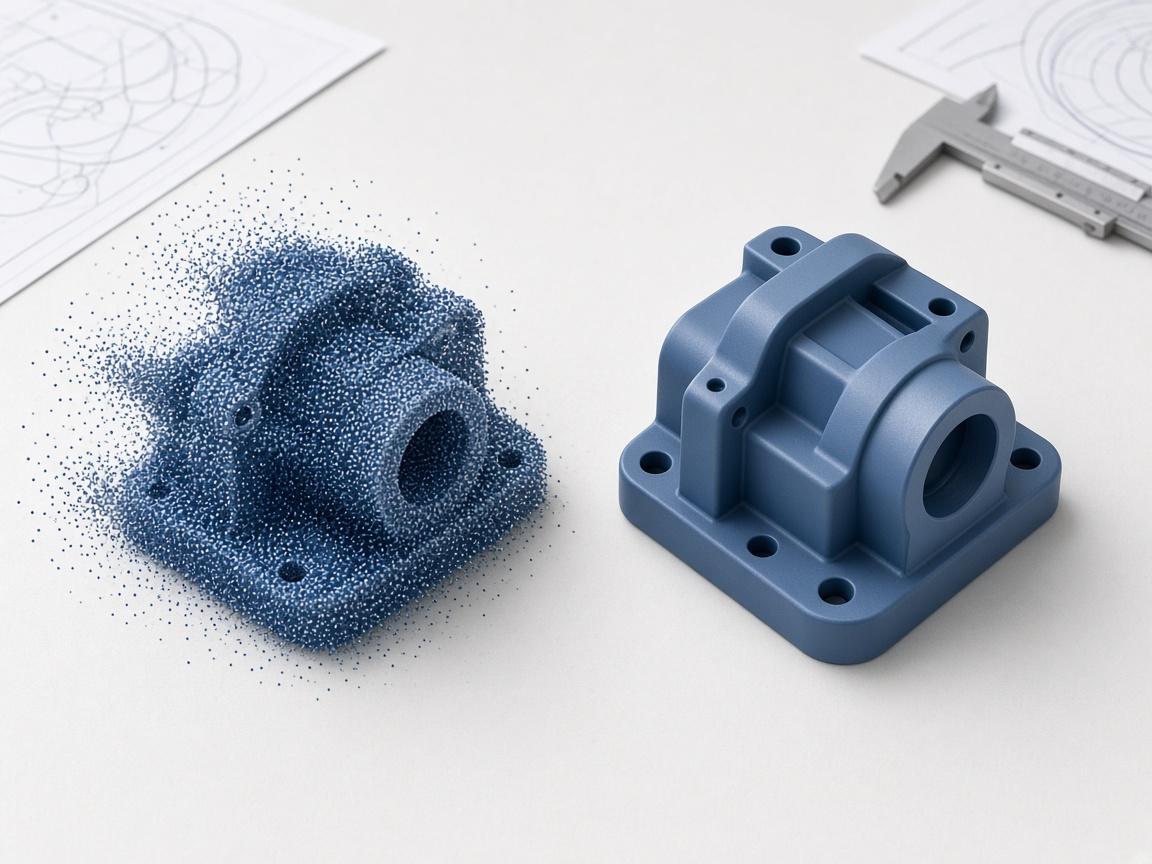
Vectorise a scanned drawing with its scale bar, then rebuild the part as a parametric solid you can actually change.
Reverse Engineering
Agent-driven modelling
Scan-to-CAD, legacy drawings, spares
Trusted by teams in reverse engineering
Core agent skills tuned for reverse engineering — from first drawing to export-ready solid, with the agent in the loop.
Vectorise scanned drawings with real scale
Rebuild the part as a parametric solid
Re-issue a clean, dimensioned drawing
vectorize_scan runs once on the scan image, using the scale bar when one is present.
Reverse Engineering matching
@ enquiries / Online enquiry form
drawing_to_3d and cad_studio rebuild the part parametrically from the vectorised geometry.
Post-enrolment process
model_to_2d emits a fresh true-scale drawing from the recovered solid.
Portals
Create user type| User type | Users | Created by | Access |
|---|---|---|---|
| Customer | 128 | Admin | Limited |
| Reviewer | 34 | Lead engineer | Shared |
| Internal | 56 | Admin | Full |
Practical modelling flows your team can run on day one — from first inquiry to booked next step.
vectorize_scan runs once on the scan image, using the scale bar when one is present.
Vectorise agent
Converts scans to scaled vector geometry
drawing_to_3d and cad_studio rebuild the part parametrically from the vectorised geometry.
Recovery agent
Rebuilds the part as a parametric solid
model_to_2d emits a fresh true-scale drawing from the recovered solid.
Re-issue agent
Produces the replacement drawing
vectorize_scan runs once on the scan image, using the scale bar when one is present.
drawing_to_3d and cad_studio rebuild the part parametrically from the vectorised geometry.
model_to_2d emits a fresh true-scale drawing from the recovered solid.
Teams in reverse engineering use Aikyora to ship revisions faster with fewer redraws.
15
agent skills available
6
CAD and CAE engines driven headlessly
$0.25
per credit of work
365 days
validity on purchased credits
Aikyora works with the products you already use. Connect messaging, billing, calendars, and more — so your reverse engineering workflows use the same engines as your business.
Same agent — tuned skills and workflows for each industry.
Get started
Start free and put engineers and the agent on the same geometry — from first drawing to export-ready solid.